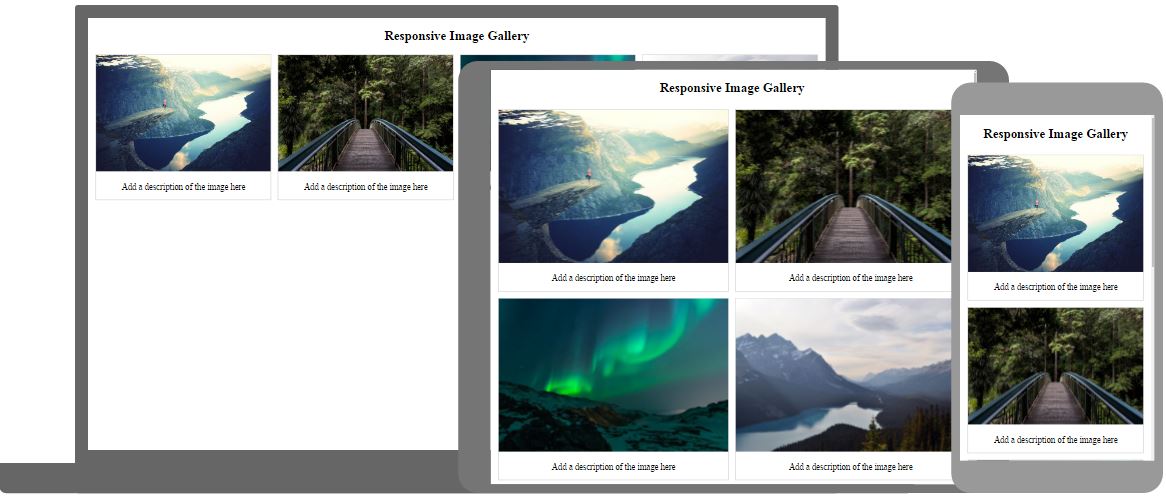
CSS 图片库
CSS 可用于创建图片库。
在此处添加图片说明

在此处添加图片说明

在此处添加图片说明

在此处添加图片说明
图片库
下面这个图片库是使用 CSS 创建的:
实例
<html>
<head>
<style>
div.gallery {
  margin: 5px;
    border: 1px solid #ccc;
    float: left;
  width: 180px;
}

div.gallery:hover {
  border: 1px solid #777;
}

div.gallery img {
  width: 100%;
  height: auto;
}

div.desc {
    padding: 15px;
    text-align: center;
}
</style>
</head>
<body>

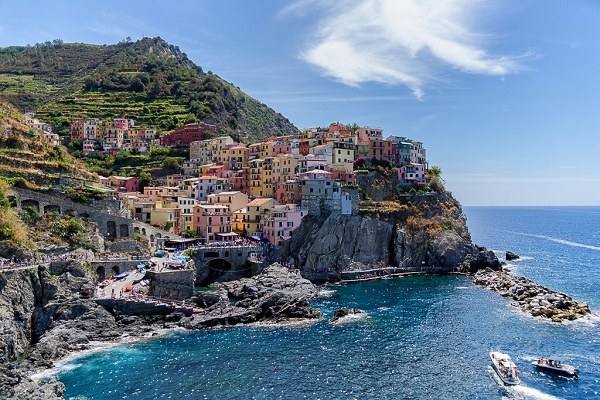
 <div class="gallery">
 <a target="_blank" href="img_5terre.jpg">
     <img src="img_5terre.jpg" alt="Cinque Terre" width="600" height="400">
   </a>
 <div class="desc">Add a description of the image here</div>
 </div>

<div class="gallery">
 <a target="_blank" href="img_forest.jpg">
     <img src="img_forest.jpg" alt="Forest" width="600" height="400">
   </a>
 <div class="desc">Add a description of the image here</div>
 </div>

<div class="gallery">
 <a target="_blank" href="img_lights.jpg">
     <img src="img_lights.jpg" alt="Northern Lights" width="600" height="400">
   </a>
 <div class="desc">Add a description of the image here</div>
 </div>

<div class="gallery">
 <a target="_blank" href="img_mountains.jpg">
     <img src="img_mountains.jpg" alt="Mountains" width="600" height="400">
   </a>
 <div class="desc">Add a description of the image here</div>
 </div>

</body>
</html>
亲自试一试 »